Text2Hit turns a sentence into a finished song
Text2Hit

Text to Song: Turn What You Type Into a Finished Song

The AI turns a sentence, a story or a message into lyrics you can edit, then records them with music and an AI singer, usually in about two to four minutes.

AI song generator. Zero music skills required.

Step 1What is your song about?

Imagine you are sitting with a professional composer. Tell them the story you want to sing about in as much detail as possible. What is the mood? Who is it for?

How text to song works on Text2Hit

Text2Hit is a text to song generator: you type the idea, and the AI handles the songwriting and the recording. It takes three screens.

  1. Type your text. Write what the song is about. A few words work, and so does a long story: the box holds up to 10,000 characters. Pick one or more genres, a voice and a song language (or leave the language on Auto), then press Write My Lyrics.
  2. Check the lyrics. A title and a full lyric sheet come back in seconds. Edit any word in the text box, rename the track, swap genres or voices, or type a request such as "make the chorus more hopeful" and let the AI rewrite it. When it reads right, press Create My Song.
  3. Listen. Recording the music and vocals usually takes about two to four minutes. Play the preview in your browser, send the share link, or unlock the full-length download.

The same generator also runs on the Text2Hit home page.

What to turn into a song: ideas that work

Almost any text with a feeling behind it can become a song. Some starting points, with genres that suit them:

  • A rough week, in your own words. "Three night shifts in a row, the car broke down, and I'm still standing." Try Blues or Hip Hop / Rap.
  • A message you never sent. Thank a teacher, apologize to an old friend or say goodbye to a colleague. Acoustic or R&B / Soul fits.
  • A moment from the group chat. An hour-long argument about pineapple on pizza makes a dramatic Opera duet or a Pop-Punk anthem.
  • Something you need to memorize. The water cycle, the planets or a list of French verbs, as a Hip Hop / Rap or K-Pop study song.
  • Your pet's daily routine. What the dog does while you are at work, as a Country song sung as a Duet.
  • A poem or a few lines you wrote. The AI writes the lyrics from them, and on the lyrics screen you can change any line before recording.
  • A prayer or a Bible verse. The faith song generator is set up for scripture and worship ideas.

Genres can be mixed, too: Folk with Jazz, or Country with Disco.

Tips for a better song from your text

  • Say who it is for and how it should feel. "For my brother, proud but teasing" gives the AI more to work with than "a song about my brother".
  • Add concrete details. A street, a habit, an inside joke. Leave out phone numbers and addresses if you plan to share the song, because share links are public.
  • Pick a genre, or two. If you skip the genre, the lyrics are written as pop.
  • Choose the voice on purpose. Male Vocal, Female Vocal and Duet are on screen; 19 more, from Raspy Vocals to Choir and Spoken Word, sit behind "More...". You can pick several.
  • Describe the sound, not a star. Asking to imitate a real artist or copy an existing song triggers a copyright warning. Write "gritty male voice over slow blues guitar" instead of a famous name.
  • Use the rewrite box for changes such as "make it sadder" or "end on the chorus". The lyric writer keeps a song to four verses at most, so cut a long story down to the moments that matter.

What you get

  • Lyrics and a title that you can edit before anything is recorded.
  • AI cover art for each song. If the image model declines, the song arrives without a cover.
  • A full-length preview that plays in your browser. Until the song is unlocked, it carries a spoken watermark and has no download button.
  • A share link anyone can open. It plays the watermarked preview unless the song is unlocked.
  • The master MP3 once unlocked: no watermark, with the cover art and title embedded, and kept in your history permanently. MP3 is the only format; there are no WAV files or stems.

Free to try, then unlock the songs you keep

A Text2Hit account is free. Sign in with Google, Apple, Facebook, Microsoft, or a phone number and an SMS code. You can look at the first step without one, but writing lyrics and recording songs need an account.

Your first 6 AI generations are free. A generation is one lyric write or one AI rewrite, not a finished song. After that, a free account is topped back up to 3 generations each day (a refill to 3, not 3 extra). Free accounts can also make up to 10 song attempts a day, each as a watermarked preview.

To keep a song without the watermark, unlock it with a one-time payment, or choose a monthly or yearly plan that includes a set number of song unlocks each month and unlimited lyric rewrites. You can also share a song on Facebook or Instagram and unlock one free song a day, and when a friend you invite finishes their first song, you both get a free unlock. To see who runs the service, read about Text2Hit.

Frequently asked questions

Is this text to song generator free?

It is free to try: 6 AI generations to start, topped back up to 3 a day, plus up to 10 watermarked song previews a day. A download without the watermark needs an unlock or a plan.

Do I need an account?

Yes, a free one. Sign in with Google, Apple, Facebook, Microsoft or your phone number before writing lyrics or recording a song.

Can I paste my own lyrics and hear them sung exactly as written?

Not word for word. The AI always writes the first lyrics from your text, so a pasted poem is a starting point, not finished lyrics. On the lyrics screen, reached after one generation, you can replace any or all lines with your own. Before recording, an AI step arranges the lyrics into song sections and shortens very long ones, and the AI singer may not sing every word as typed.

Can it sing in my own voice?

No. Nothing records or uploads your voice. You pick from 22 AI voice styles, such as Baritone, Gospel Choir or Whisper, and can combine several.

Can I download the song as an MP3?

Yes, once it is unlocked. You get the master MP3 without the watermark, with its cover art and title embedded. Free previews play in the browser with a spoken watermark and have no download button.

Can I use my song commercially?

The Text2Hit Terms grant a non-exclusive license to use the songs you generate for personal and commercial purposes, subject to the Terms and to payment of any applicable fees. It is a license, not ownership of the song's copyright. You keep ownership of the text prompts you submit.

Which languages can the lyrics be in?

Ten: Arabic, English, French, German, Hebrew, Hindi, Hungarian, Russian, Spanish and Ukrainian. Leave the setting on Auto and the lyrics follow the language of your text.
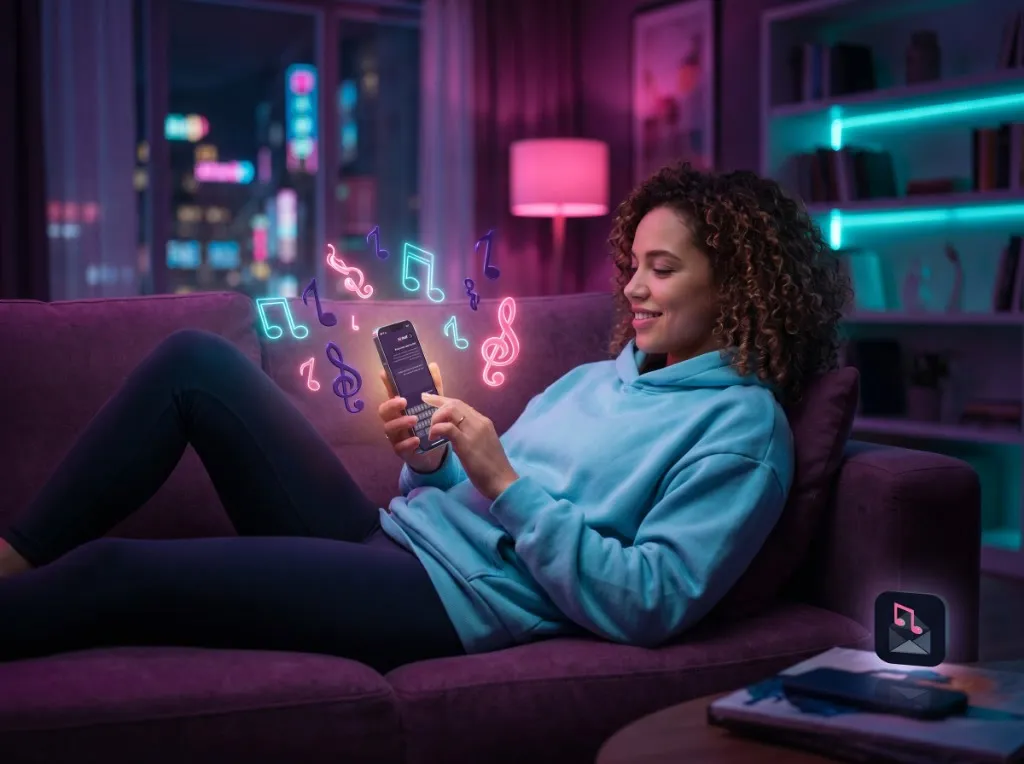

Songs made with Text2Hit