Paste the thread, choose a sound, and the AI writes a song about it. You read the lyrics, fix anything you want, and then it gets sung.
AI song generator. Zero music skills required.
Step 1What is your song about?
Start with one line: who is talking and the mood you want. Then paste the messages.
What is a text message song?
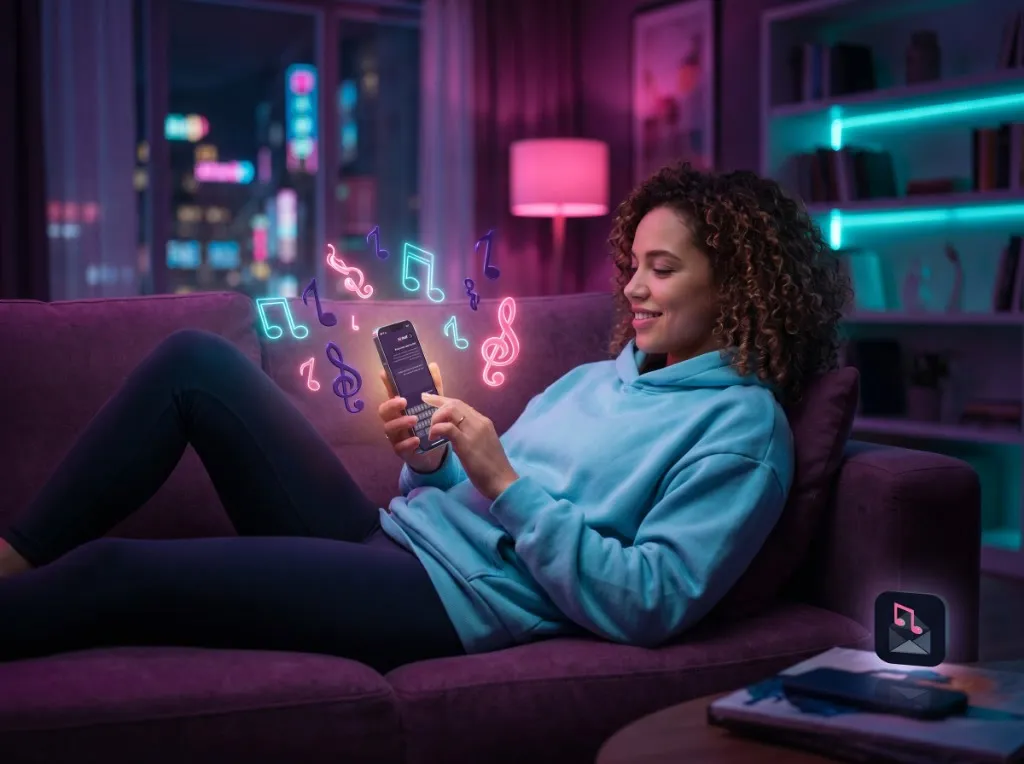
A text message song takes a real conversation and turns it into music: a sibling's group-chat roast, a parent's all-caps grocery list or a couple's very first messages, set to a beat. The more ordinary the chat, the better it lands.
Text2Hit starts from words, so a chat log is a natural place to begin. Paste a thread into the box on this page and the AI treats it as the story of the song, writes new lyrics from it, and AI singers perform them in the style you choose.
Before you start, know this: Text2Hit writes a song about your messages. It does not sing every bubble back in order. If a line has to be in the song, such as the infamous "k." or "who ate my yogurt", put it into the lyrics yourself at the review step. AI shapes the lines to fit the music as it sings, so what you hear can differ from what you typed.
How to turn your text messages into a song
Copy the chat as text. Text2Hit reads text, not images. Copy the messages from your messaging app, or lift the words out of a screenshot with your phone's built-in text recognition (Live Text on iPhone, Google Lens on Android).
Paste it and add a one-line brief. Above the messages, say who is talking and what you want. For example: "Me and my brother arguing about who forgot Dad's birthday. Make it a dramatic power ballad." The box holds up to 10,000 characters.
Choose how it sounds. Pick one or more of 37 genres, one or more of 22 vocal styles, and a lyric language. A duet suits a two-person chat. Leave the language on Auto and the lyrics follow the language of your messages.
Press Write My Lyrics. The lyrics and a track title come back in seconds. Edit any line by hand, rename the track, or ask the AI for a change, like "put the typo in the chorus".
Press Create My Song. The recording usually takes about 2 to 4 minutes. Then play it, send the link to the chat, or unlock the clean download.
Generating needs a free Text2Hit account: sign in with Google, Apple, Facebook, Microsoft or your phone number.
Chats that make great songs
Not sure which thread to use? Try one of these, with a sound to match:
The group chat that can't pick a restaurant. Forty minutes of "idk, you choose" becomes a loud Pop-Punk anthem.
Mom's texts. All caps and "CALL ME WHEN YOU CAN" sit nicely in a warm Country or Folk ballad.
The roommate leftovers dispute. Give a fridge mystery the drama it deserves with Opera or Heavy Metal.
Your first messages as a couple. Turn the awkward "hey :)" era into an R&B / Soul duet for an anniversary.
Long-distance good mornings. Time-zone math and missed calls fit Lo-Fi or Synthpop.
The breakup text. Grunge, or Pop-Punk with Screamo vocals, gets it all out.
A sibling roast. Insults hit harder over a Hip Hop / Rap or Trap beat.
The family chat at the holidays. Reply-all chaos sounds even bigger with a Gospel Choir behind it.
If someone in the family sends a Bible verse every morning, the faith song page is set up for scripture and prayers. And if your idea is a story rather than a chat, start from the Text2Hit home page.
Tips for a better text message song
Trim to the good part. The lyric writer works with at most four verses, so a huge thread gets squeezed hard. Paste the stretch that tells the story and drop the rest.
Label who is talking. Start each message with "Me:", "Mom:" or "Roommate:" so the AI can follow who said what.
Name the punchline. If one message is the joke, say so in your brief: "the chorus should keep coming back to 'k.'"
Describe the sound, not a star. "Moody 2000s pop-punk with a big shouted chorus" works. Asking to imitate a real artist, or to copy an existing song, is flagged by a copyright check.
Take out private details. Delete phone numbers, addresses, surnames and anything you wouldn't want sung in public. Swap real names for nicknames if you plan to share, and ask your friends before you post their messages.
Use the review step. Read the lyrics before recording. Fix a line yourself, or ask for a rewrite such as "make verse two more passive-aggressive". On the free allowance, each AI rewrite counts as one generation.
Songs about texting, made with Text2Hit
Three songs by Text2Hit users about texts, screens and phone calls. Each link opens the song's share page.
Out-of-Office Draft (Pop, Jazz, R&B / Soul; male vocal): a coworker drafts a confession, deletes it, and texts back "happy for you, kill it, friend" instead.
Are You Warm? (Lo-Fi, Indie / Alternative; airy female, whisper and raspy vocals): a twelve-year love story that grew through secrets typed on glowing screens.
Static Hearts & Time-Zone Scars (Pop-Punk, Hip Hop / Rap; duet): a long-distance couple tired of FaceTime dates, with "your ghost inside my telephone" in the chorus.
Lyrics you control. A full set of lyrics and a title, editable before anything is recorded.
A full-length song. Play the whole track in your browser. Until you unlock it, the preview includes a spoken watermark.
Cover art. Each song normally gets an AI-made cover image, shown on its share page.
A share link. Send any finished song to the group chat as a link, at no cost. Anyone with the link can listen.
The MP3, once unlocked. Unlocking removes the watermark and lets you download the MP3 with the title and cover art built in. Want it in a TikTok or Reels video? Add that MP3 in your video editor. Text2Hit makes the song, not the video.
Room to use it. Under the Terms, you may use the songs you make for personal and commercial purposes, subject to paying any applicable fees.
Free to try, and what costs money
A new account gets 6 AI generations free. A generation is one lyric draft or one AI rewrite, not a finished song. After that, your free generations refill up to 3 a day, and unused days don't stack. Free accounts can also make up to 10 song attempts a day, played as previews with a spoken watermark.
To get a clean MP3 without paying, share a song on Facebook or Instagram to unlock one song a day, or invite a friend: when they finish their first song, you both get an unlock.
Otherwise, unlock a single song with a one-time payment, or choose a monthly or yearly plan that includes a set number of song unlocks each month and unlimited AI lyric rewrites. You see the price at checkout before you pay.
Frequently asked questions
Can Text2Hit turn my text messages into a song?
Yes. Paste the conversation (up to 10,000 characters) with a short note on the mood and who is talking. The AI writes lyrics inspired by the chat, you review and edit them, and AI singers record the song in the genre and voice you picked.
Will the song quote my messages?
Not message by message. The AI writes new lyrics from your chat rather than singing each message in order. To keep a favorite line, add it to the lyrics at the review step. AI arranges and sings the final version, so even those words may change.
Can I upload a screenshot of my texts?
No. Text2Hit works with text only. Copy the words out of the screenshot first (Live Text on iPhone or Google Lens on Android can do this), then paste them in.
Is it free?
It's free to try. A new account gets 6 AI generations (lyric drafts or rewrites), refilled up to 3 a day after that, and songs play as previews with a spoken watermark. The clean MP3 needs an unlock: a one-time payment, a plan, a daily share unlock or a friend referral.
How long does it take?
The lyrics take seconds. The finished song usually takes about 2 to 4 minutes to record.
Can I use my text message song on TikTok or Instagram?
Yes, as audio. Unlock the song, download the MP3 and add it to your video in your editing app. Text2Hit does not make the video itself. You can also post the song's share link anywhere at no cost, but that version includes a spoken watermark until you unlock it.
Do I need an account?
Yes, a free one. You can sign in with Google, Apple, Facebook, Microsoft, or a phone number and an SMS code.
Who can hear my song?
When you share a song, it gets a public page that anyone can open and play. Before you paste a chat, remove phone numbers, addresses and surnames, and check that the people in the conversation are happy to be in a song.

 Out-of-Office Draft
 Are You Warm?
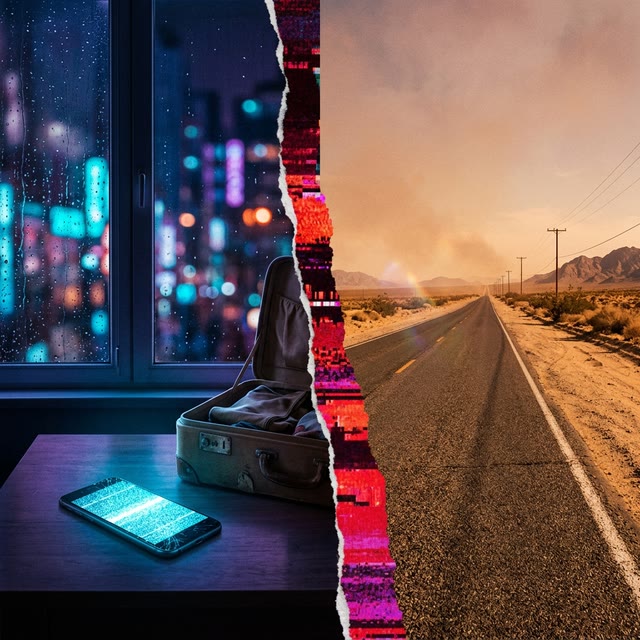 Static Hearts & Time-Zone Scars